
The best time to question a skincare product is before it is sitting on your bathroom shelf.
That is the value of a good scanner app.
You get one clean pause.
One chance to ask:
- do I need this?
- does this fit my skin?
- is this just a prettier version of something I already own?
- am I about to create a new problem for no reason?
That is why people search for an app to scan skincare products instead of just reading labels manually.
They want a smarter pause button.
Quick answer
If you want the short version first:
- Glass is the best overall pick if you want a product scan tied to routine fit, skin changes, and what you are already using.
- OnSkin is the best scanner-first app if you want fast barcode/photo/name checking while shopping.
- SkinSAFE is the best fit if you care most about avoiding triggers and unsuitable ingredients.
- Yuka is the easiest broad scanner for fast ratings and alternatives.
- SkinSort is the best choice if you want to compare formulas and dig deeper before buying.
If your real goal is not just scanning but buying fewer wrong products, Glass is the strongest pick.
The product scanners that kept me from random buys
| Image | App | Best for | What stands out | Good to know |
|---|---|---|---|---|
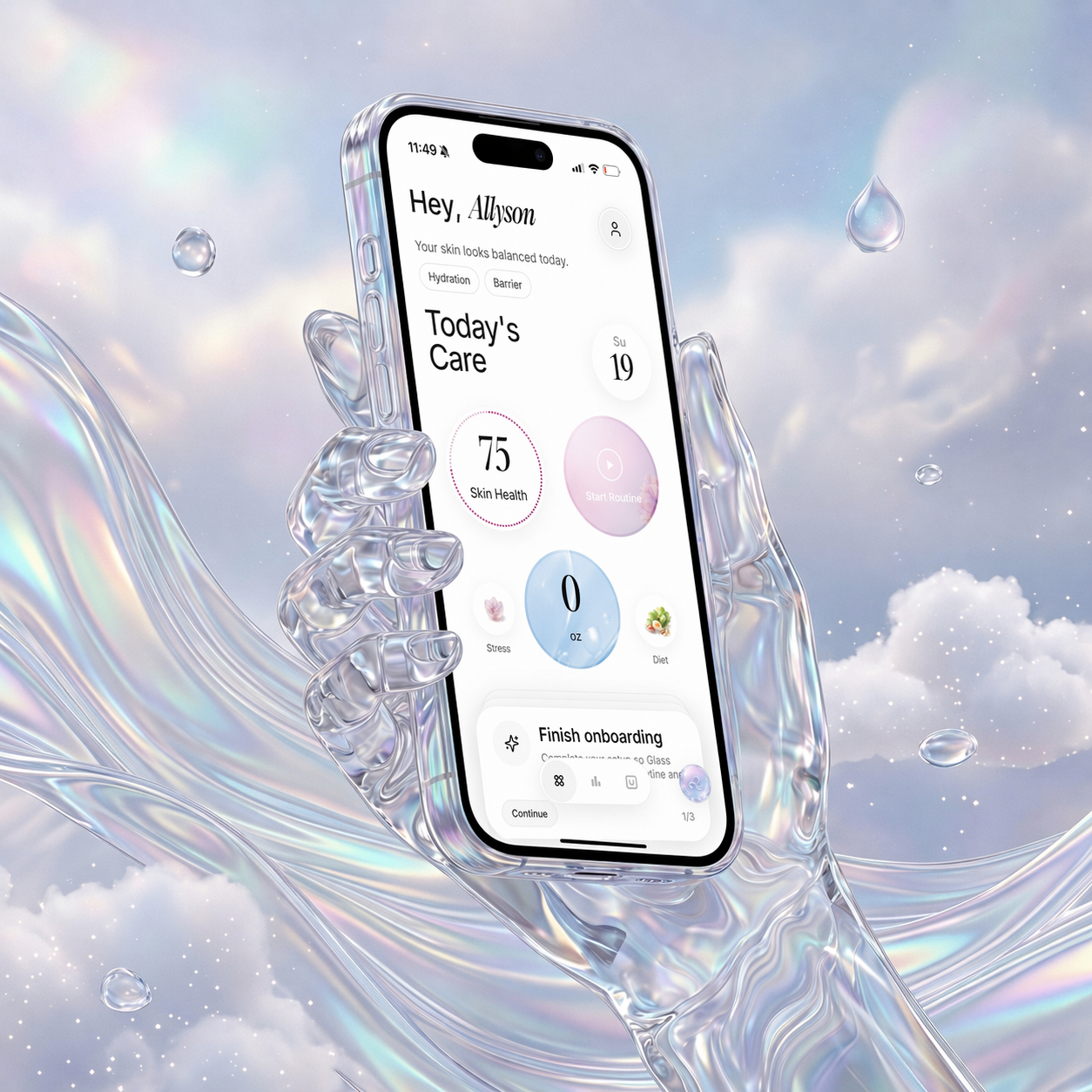 | Glass | People who want scans tied to their routine and skin progress | Product context, skin analysis, routine tracking, reminders, reports | Best when the scan needs to remain useful later |
 | OnSkin | Fast shopping decisions | Barcode/photo/name search, product matching, alternatives | One of the easiest apps to use in real store-aisle moments |
 | SkinSAFE | Sensitive skin, allergies, and ingredient avoidance | Safety filtering, SAFE for Me logic, alternatives, scan flow | Best when your shopping is driven by risk management |
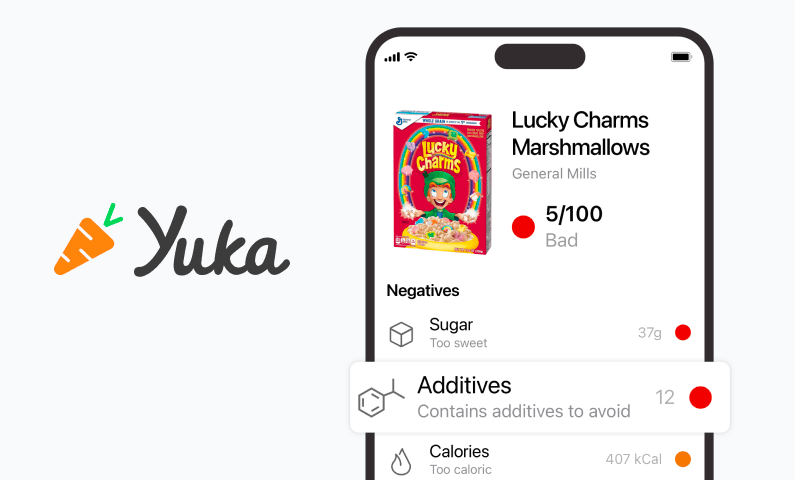 | Yuka | People who want the least friction possible | Fast barcode scanning, simple product ratings, healthier alternatives | Great for speed, weaker for deeper skincare nuance |
 | SkinSort | Compare-heavy shoppers | Scan tools, ingredient analysis, compare, dupes, routine conflict support | Best if you know you want more than a simple score |
What I want the scan to help me avoid
Not just irritation.
I also want it to help me avoid:
- duplicate actives
- trend purchases
- overcomplicated routines
- replacing a product for the wrong reason
- buying something that solves a problem I do not really have
That is why the best scanner app is usually not the one with the biggest database.
It is the one that helps you slow down in the right way.
1. Glass is the best app to scan skincare products for most people
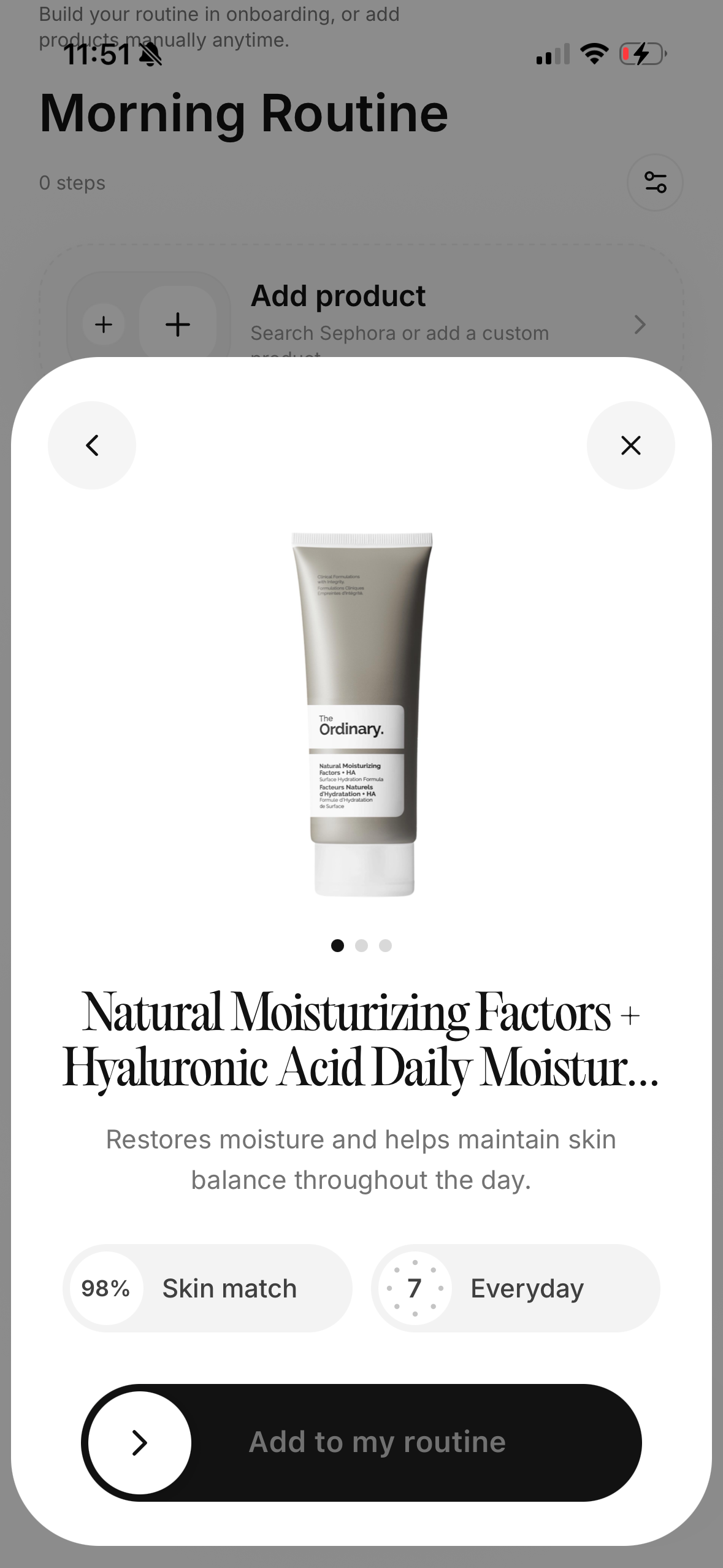
Glass takes the top spot because it is the most useful after the product scan.
That is what matters in practice.
A lot of apps help you scan a product. Fewer help you connect that product to:
- your routine
- your current skin behavior
- the products you already use
- the progress you are trying to make
That is why Glass feels more like a skincare decision system than a one-off shopping tool.
If you want the closest companion piece, app that scans skin care products (April 2026) covers the more literal scanner angle. If you want the ingredient side of the same decision, app to scan skincare ingredients (April 2026) is the next read.
2. OnSkin is the best quick-scan alternative
If you mostly need an app to help you check products before you buy them, OnSkin is one of the easiest recommendations in the category.
Its workflow makes sense:
- scan the product
- get an answer
- check alternatives
- move on
That is exactly what a lot of shoppers need.
3. SkinSAFE is best for defensive shopping
If your shopping habits are driven less by glow-chasing and more by avoiding reactions, SkinSAFE is a better fit than most broad beauty scanners.
That is especially true if you already know you react badly to specific triggers and want your scan app to help you screen them faster.
4. Yuka is still the easiest fast barcode check
Yuka stays useful because it is simple.
Simple is powerful when you are trying to make a fast buying decision.
The tradeoff is that simplicity can flatten nuance. A quick score is helpful, but it is not the same thing as a well-contextualized skincare recommendation.
5. SkinSort is best if your buying process is more deliberate
If you rarely buy on impulse and usually compare several products before choosing, SkinSort may fit you better than Yuka or SkinSAFE.
It gives you more to work with:
- compare logic
- ingredient details
- dupes
- routine conflict support
That makes it especially good for shoppers who like to understand before they buy.
What scanner apps should help you do better
They should help you buy slower, not just faster.
That sounds backward. It is not.
The best scanner is the one that reduces waste, reduces regret, and reduces the number of products you rotate through for no good reason.
That is why I rank the category around decision quality instead of novelty.
Which app should you choose?
Choose Glass if you want the best overall product-decision system.
Choose OnSkin if you want the quickest shopping scanner.
Choose SkinSAFE if you need more trigger filtering.
Choose Yuka if you want the fastest mainstream scan-and-go option.
Choose SkinSort if you want compare depth.
What I do before I buy anything the app likes
Even when a scanner likes a product, I still run one more filter:
- does it replace something I already use?
- does it fit a real gap in the routine?
- will I know in two weeks whether it helped?
That extra pause matters because a lot of product regret happens with products that are technically fine. They are just unnecessary, redundant, or badly timed for the rest of the routine.
The best scanner app is the one that helps you buy fewer products you did not need in the first place.
When I would skip the scan entirely
Sometimes the best move is not scanning another product.
Sometimes it is leaving the routine alone.
If your skin is already inflamed, irritated, over-exfoliated, or mid-recovery, a new scan can become a new temptation. The app may help you find a product that looks promising, but that does not mean your skin needs another variable right now.
That is another reason I like scanner apps that live close to routine tracking. They make it easier to remember the state your skin is already in before you talk yourself into another experiment.
13 buying mistakes I stopped making once I used a skincare product scanner properly
- Buying a backup before I even finished the version I already liked.
- Swapping products just because the marketing sounded newer.
- Adding another active while my skin was already irritated.
- Confusing a different texture with a genuinely different job.
- Keeping too many maybe-products in rotation at once.
- Letting a good app rating talk me into a product I did not need.
- Assuming scan approval automatically meant routine fit.
- Scanning new products but not the products already in my current lineup.
- Forgetting why I went shopping in the first place.
- Replacing a stable product during one bad skin week.
- Overvaluing alternatives without checking the actual actives.
- Chasing a cleaner label instead of a calmer routine.
- Buying before I knew exactly where the product would go.
FAQ
What is the best app to scan skincare products in April 2026?
For most people, Glass is the best app to scan skincare products in April 2026 because it keeps scans connected to routine, products, and skin progress instead of treating them like isolated shopping moments.
Which app is best for checking products before buying?
OnSkin is the best pure shopping companion in this set because the scan flow is quick and flexible.
Is SkinSAFE only for allergies?
No, but that is where it is strongest. It is best if you shop defensively and want more help screening out likely triggers.
Is Yuka enough for skincare?
It can be enough for quick screening. It is not the strongest option if you need more nuance around routine fit or ingredient interpretation.
Should I use a scanner app if I already know my skincare basics?
Yes, if it helps you slow down and avoid duplicate or unnecessary purchases. A good scanner is still useful even when you already understand skincare reasonably well.
Final take
If you want an app to scan skincare products and still feel smarter after the scan, use Glass.
It is the best option here for turning quick checks into better long-term choices.