Some apps are good at the first moment.
You take a selfie.
You get a score.
You feel seen for thirty seconds.
Then the whole thing falls apart.
That is the problem I kept running into when I looked at the current skin care analysis app results. The category is full of dramatic before-and-after promises, instant percentages, and polished scan screens. It is much weaker at answering the more annoying question that shows up a few days later:
_Did this app actually help me understand my skin, build a better routine, or buy fewer random products?_
On April 23, 2026, I reviewed the public-facing pages shaping this topic, including the Glass App Store listing, SkinPal, Skin Bliss on the App Store, FeelinMySkin on the App Store, and Lume Skin. I also sanity-checked the category against current American Academy of Dermatology guidance on health apps and how lighting affects skin photos, because a lot of these apps quietly depend on good photos more than their marketing admits.
I also looked at the way real people still talk about this category in public skincare threads: too much generic advice, too much confidence from imperfect scans, and a lot of frustration with apps that feel smart until you try to use them consistently.
This is not a lab test pretending I ran every app for twelve weeks under identical conditions. It is a public-facing comparison built around what the apps say they do right now, what kind of loop they seem designed for, what kind of privacy or trust language they surface, and whether they look useful after the novelty wears off.
That is enough to answer the question most readers actually have.
Quick answer
If you want the short version first:
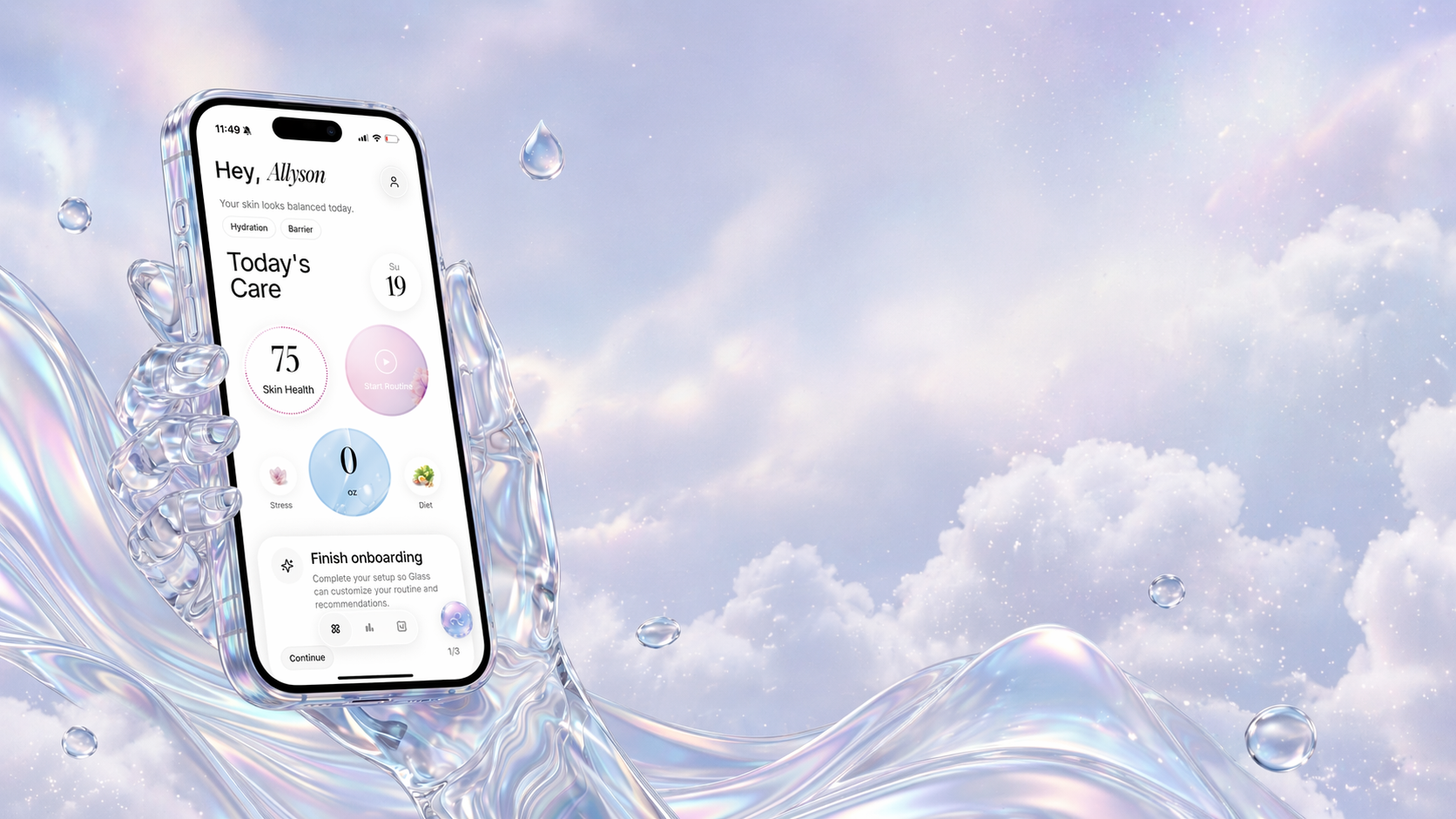
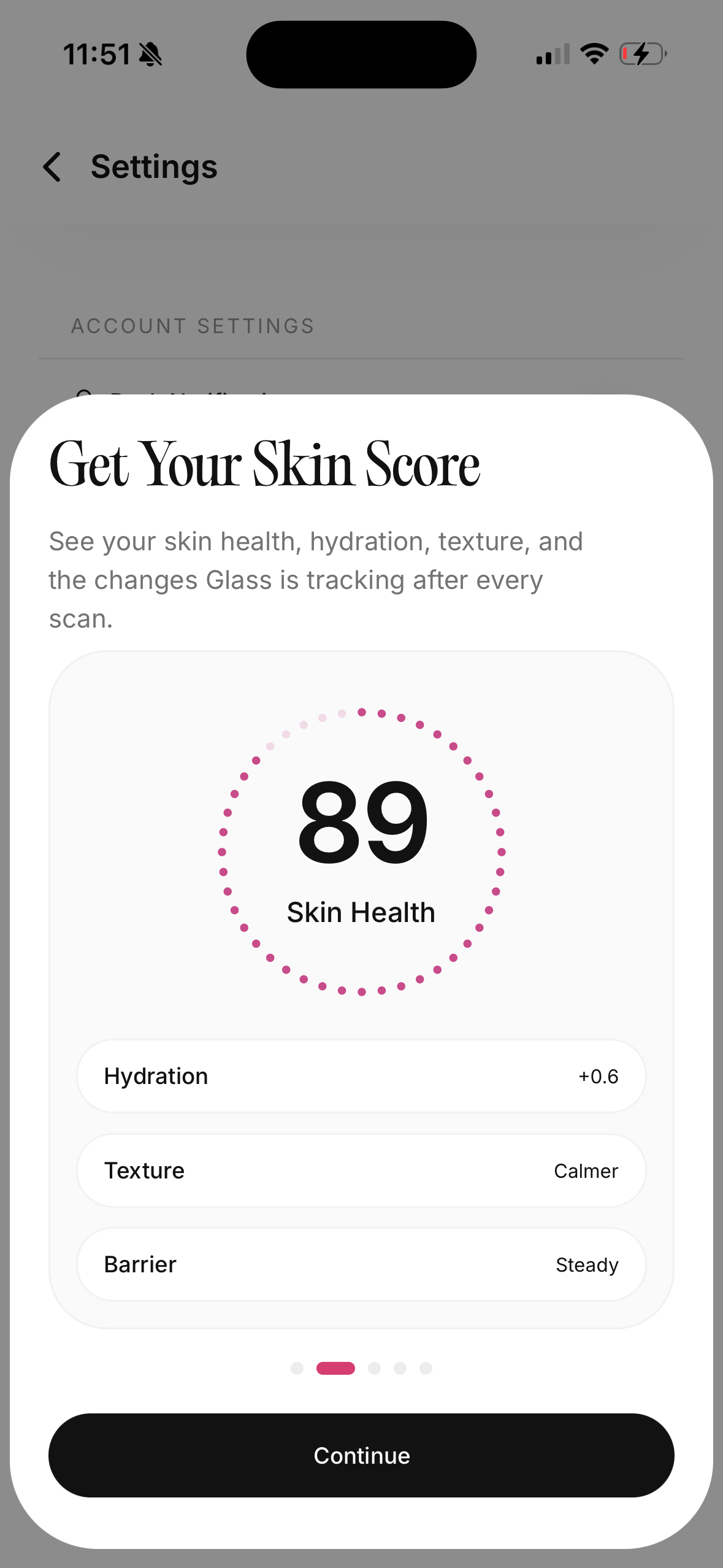
- Glass is the best skin care analysis app for most people because it connects scan results to routines, products, reminders, and visible progress instead of stopping at the score.
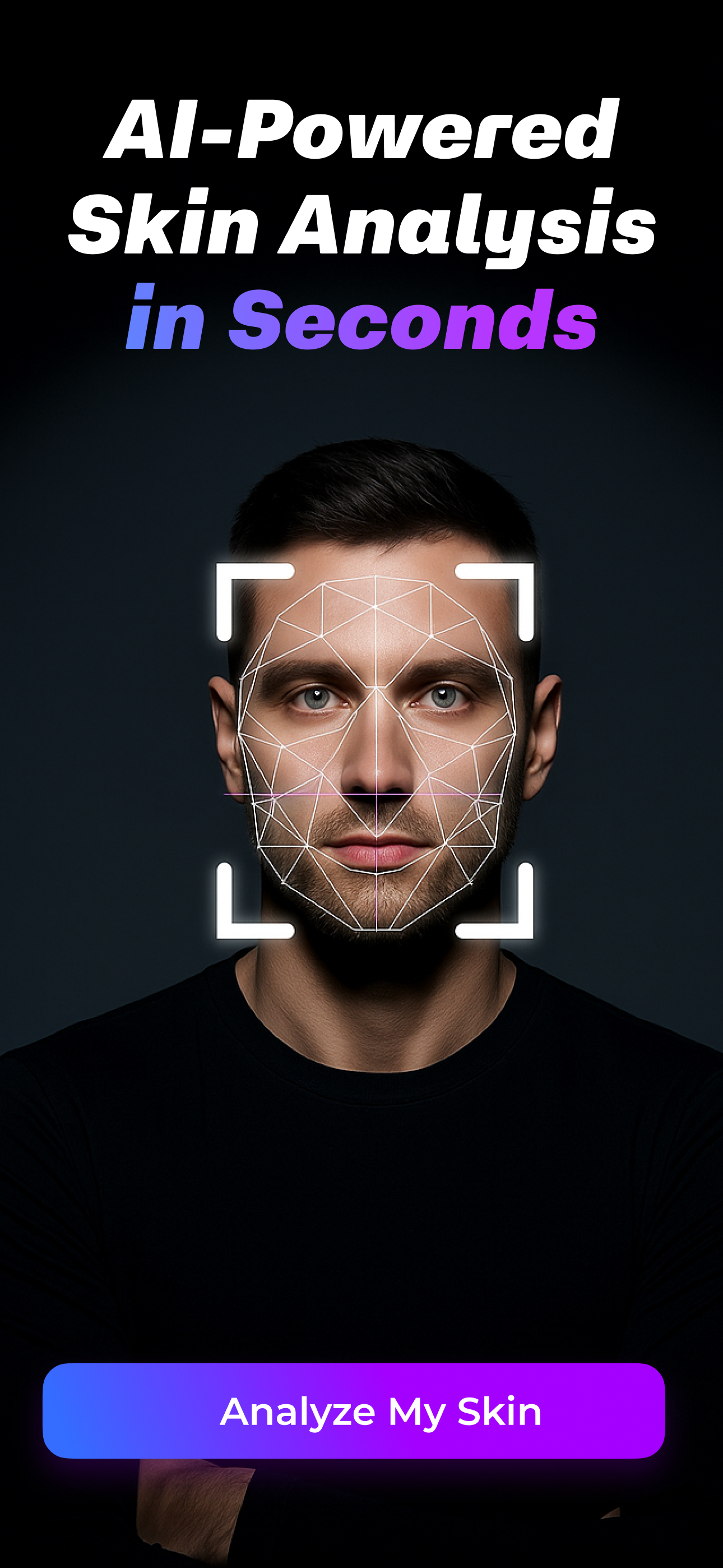
- SkinPal is the best choice if your main goal is repeated scan tracking and seeing acne, texture, hydration, and redness move over time.
- Skin Bliss is the best fit if you want a denser skincare system with routine evaluation, diary features, and photo-based tracking in one place.
- FeelinMySkin is strongest if your real problem is routine confusion and product-fit decisions more than facial scanning alone.
- Lume Skin makes the most sense if you want the broadest all-in-one pitch: skin analysis, ingredient scanning, routines, and AI help inside one app.
If your actual problem is not “tell me what my face looks like today” but “help me change fewer things and finally see what is working,” Glass is the strongest starting point.
The 5 apps worth comparing right now
| Image | App | Best for | What stands out | What to watch |
|---|---|---|---|---|
 | Glass | People who want scans tied to routines and progress | Skin analysis, AM/PM routine tracking, product logging, reminders, reports, lifestyle context | Scan analysis results require a subscription |
 | SkinPal | People who want daily or frequent scan tracking | Daily scanning, six tracked metrics, zone-by-zone analysis, export/delete language, privacy-first positioning | Feels more tracking-first than routine-building-first |
 | Skin Bliss | Readers who want a bigger skincare operating system | Routine evaluator, shelf analysis, AI photo tracker, diary, weather-aware guidance | The surface looks richer, but also denser and more effortful |
 | FeelinMySkin | People who need product-fit help and better follow-through | Product scanner, Skin Match Score, journal entries, shelf control, routine planner | Better at routine management than deep facial analysis |
 | Lume Skin | Readers who want analysis, scanning, and AI help in one app | Skin analysis, ingredient scanner, product scanner, reminders, routines, AI chat | The public promise set is broad enough that some people will want more proof before trusting every layer |
What makes a skin care analysis app actually good?
This is where most roundups still feel a little lazy.
They compare who has scanning. Who has AI. Who has a score. Who has routines.
That is not enough.
The better question is whether the app helps with the mess that usually sits underneath the search:
- You do not know whether your skin is actually changing or you just had a better-lighting day.
- You keep adding products without knowing what belongs in the routine.
- You want help noticing patterns before you panic and change everything.
- You want some guidance, but not the fake certainty of an app pretending it is a doctor.
That is the standard I used here.
I care less about the prettiest result screen and more about five things:
- Does the app stay useful after the first scan?
- Does it help you make fewer bad product decisions?
- Does it connect analysis to routine behavior, not just visual feedback?
- Does it show enough trust or privacy language to take seriously?
- Does it understand the difference between tracking skin and diagnosing skin?
That last one matters a lot.
AAD’s current digital-health guidance is still blunt on this: reminder and management apps can be useful, but apps that try to diagnose skin conditions can be inaccurate, and if you are managing an actual condition, you should talk with your dermatologist first. That is the right frame for this whole category.
The best app here should help you notice patterns, stay consistent, and ask better questions. It should not make you think a phone scan has replaced medical judgment.
1. Glass is the best skin care analysis app for most people
The reason Glass comes out on top is simple.
It looks like it understands that analysis without context gets old fast.
The current App Store listing makes the product shape clear:
- facial skin scoring
- morning and night routine tracking
- product logging
- reminders
- photo comparison
- reports
- lifestyle context like sleep, stress, water, and diet
That is a much better answer to the real skincare problem than “here is your hydration score, good luck.”
Most people do not fail because they never learned what redness or texture means. They fail because the routine gets noisy. A new serum gets added. Sleep drops off. Sunscreen gets inconsistent. Stress spikes. Then the skin changes and nobody knows which lever actually moved.
Glass is built for that version of reality.
I also like that the current App Store listing says the important caveat out loud: skin scanning analysis results require a subscription. That is better than pretending the scan layer is fully free and burying the catch later.
If your goal is to keep one calmer system for:
- scans
- routine behavior
- products
- reminders
- progress
this is the cleanest fit in the group.
If you want adjacent reads after this, best skincare routine app (April 2026), best skincare routine tracker (April 2026), and how to build a skincare routine that you'll actually follow are the three closest companion pages.
2. SkinPal is the best pick if you want serious scan tracking
SkinPal stood out because it stays focused.
Its public positioning is very clear about the loop it wants you in:
- scan frequently
- track six metrics
- compare trends over time
- look at zone-by-zone changes instead of one overall face score
That is a strong product decision.
The current site says the free tier includes daily scanning, score history, and tracking across acne, dark spots, texture, redness, oiliness, and hydration. It also makes stronger privacy claims than most of the category, including end-to-end encryption language plus export/delete controls.
That does not automatically make it the winner. It does make it easier to take seriously.
Where I would still rank SkinPal behind Glass is the routine layer.
SkinPal feels strongest when the question is:
_Is my skin trending in the right direction?_
Glass feels stronger when the question is:
_Why is my skin trending in the wrong direction, and what in my routine might explain it?_
That is an important difference.
If you already know you want scan-heavy tracking, SkinPal is probably the best alternative in this group. If you need more help with products, habits, and follow-through, I would still start with Glass.
3. Skin Bliss is the best fit if you want depth more than simplicity
Some people do not want a lighter app.
They want more knobs. More analysis. More structure. More places to look.
That is the user Skin Bliss makes the most sense for.
The current App Store page is broader than a simple scanner app. It now pushes:
- routine evaluator and timeline projections
- routine player with timers and mirror view
- skin diary plus AI photo tracker
- shelf analysis
- weather-based skincare advice
That is a lot.
For the right person, it is useful a lot.
If you like understanding how your products fit together, if you want more evaluation of the routine itself, and if you do not mind an app that asks for more attention, Skin Bliss looks compelling. I can see why it keeps showing up in adjacent skincare-app conversations.
The tradeoff is obvious too.
More surface area means more friction.
If you already feel overwhelmed by skincare, there is a real chance Skin Bliss becomes one more place where you collect information without making the routine calmer. It looks strongest for users who enjoy the process and want a richer system, not people who are trying to escape skincare admin work.
4. FeelinMySkin is better than most people expect for product-fit analysis
At first glance, FeelinMySkin looks like it belongs more in the routine-planner category than the analysis-app category.
That is partly true.
But its recent App Store update history is exactly why it belongs here too. The app now includes a Smart Product Scanner and Skin Match Score, which makes it more relevant to this search than older roundups would suggest.
This is the app I would point to for someone whose real question is not:
_What does my face score say today?_
but rather:
_Does this product fit me, and can I actually keep the routine straight after I add it?_
That is a very real use case.
A lot of skin care analysis app searches are really product-fit searches in disguise. People want help deciding whether a product belongs in the routine, whether it clashes with what they already use, and whether their shelf is starting to get stupid.
FeelinMySkin looks very good at that.
It still is not the best app here if your priority is deep facial scan analysis or trend-heavy before-and-after tracking. But if your skin decisions fall apart because your routine falls apart, this may help more than a stronger scan app would.
If that sounds like your bottleneck, best skincare routine builder app (April 2026) is also worth opening next.
5. Lume Skin is the broadest all-in-one option
Lume Skin probably has the broadest promise set in this group.
Its official site pushes a wide product story:
- instant skin analysis
- ingredient scanner
- product scanner
- personalized routines
- reminders
- AI chat
That makes it attractive if you want one app that tries to do everything in the same place.
I can see the appeal.
The reason I still rank it below Glass is that broader promise sets are easier to market than to trust. Publicly, Lume reads more like an ambitious all-in-one beauty assistant. Glass reads more like a calmer system built around the repeatable routine-and-progress loop. For me, that narrower focus is a strength.
That does not mean Lume is weak.
It means the best fit depends on what kind of person you are:
- If you want the widest feature stack, Lume is compelling.
- If you want the cleanest daily operating system, Glass is still the better recommendation.
The mistake people make with these apps
They treat the score like the answer.
It is not.
The score is the start of the conversation.
If your scan says dehydration is up, that still does not tell you whether the cause is:
- a harsher cleanser
- over-exfoliation
- inconsistent moisturizer use
- weather changes
- poor sleep
- lighting differences
This is exactly why photo quality matters more than these apps like to admit. AAD’s current guidance for dermatologist photo review still stresses good lighting, clear focus, and consistency because color and texture can look very different when the photo itself is off. That same problem does not magically disappear because an app puts an AI label on the screen.
So the best way to use a skin care analysis app is not to obey every score swing.
It is to look for patterns.
Use the app to:
- stay consistent
- notice changes earlier
- reduce random product buying
- keep a tighter routine record
Do not use it to self-diagnose anything serious, persistent, unusual, or worrying.
That line matters.
Who should skip this category entirely?
If any of these sound like you, I would stop looking for the “best” app and go see a dermatologist instead:
- you are trying to figure out whether a rash, mole, or new lesion is dangerous
- your acne is painful, cystic, or leaving scars
- you keep cycling through irritation and do not know why
- you think the app is going to replace medical care
AAD’s guidance is clear here too: apps that diagnose or generate treatment plans can be wrong, and convenience is not worth delaying real care.
For everyone else, these apps can still be useful.
Just use them for the job they are actually good at:
- tracking
- reminders
- product organization
- pattern recognition
- better questions
That is enough value when the app is built well.
Bottom line
The best skin care analysis app in April 23, 2026 is Glass for most people.
Not because it has the loudest score.
Because it looks most useful after the score.
That is the standard that matters.
If you want stronger scan tracking, pick SkinPal. If you want a denser skincare control center, pick Skin Bliss. If your routine is the real mess, FeelinMySkin is a smarter choice than a lot of facial-scan-first apps. If you want the broadest all-in-one feature pitch, Lume Skin is the most ambitious alternative.
But if you want one app that helps you scan, stay consistent, track what changed, and stop guessing as hard, Glass is still the cleanest answer.
If you want the adjacent branches after this, read best AI skin analysis app (April 2026), best skincare scanner app (April 2026), and best skincare routine tracker (April 2026).
FAQ
What is the best skin care analysis app right now?
For most readers, Glass is the best skin care analysis app right now because it ties analysis to routines, products, reminders, and progress instead of treating the score like the whole product.
Are skin care analysis apps actually accurate?
They can be useful for tracking and pattern spotting, but they should not be treated like a medical diagnosis. Lighting, photo quality, skin tone representation, and the limits of the model all matter.
Which app is best if I want daily scan tracking?
SkinPal is the strongest pick if your main goal is repeated scanning and trend tracking over time.
Which app is best if I mostly need help with products and routine fit?
FeelinMySkin is a smart choice if your bigger problem is product-fit analysis, routine planning, and remembering what actually belongs in your stack.
Can a skin care analysis app replace a dermatologist?
No. If you are dealing with a persistent condition, a painful breakout pattern, a rash, or anything you are genuinely worried about, see a dermatologist instead of trusting an app to diagnose it.